
Help

Search
Dental School Classes
Dental School Classes refer to the group of students (e.g., DMD Class of 2029).
In the Dental School Setup, click Classes.
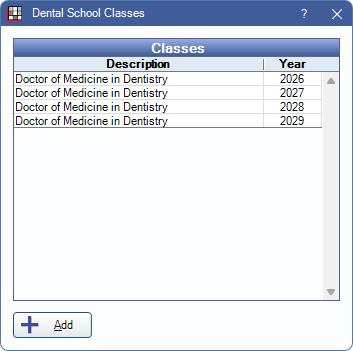
Classes are used to organize students.
Edit Dental School Class
Click Add to create a new class or double-click an existing class to edit.
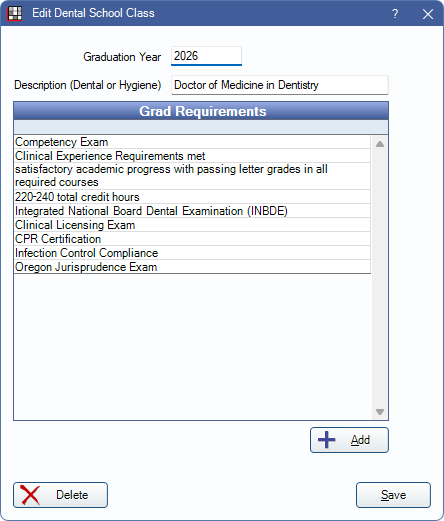
- Graduation Year: Enter the class graduation year.
- Description: Enter a class description.
- Grad Requirements: Add graduation requirements.
Add: Click to add graduation requirements. The Edit Requirement window opens, see below.
Click Delete to remove the class. Classes can only be deleted if no students have been assigned to the class in Dental School Providers. Click Save to finish adding a new class or keep changes.
Requirements
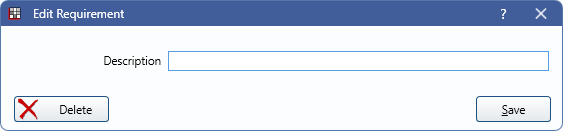
Enter a requirement description to add it to the Grad Requirements grid. Click Delete to remove the requirement.