
Help

Search
Check Layout
Check sheets are used when printing checks from an Accounting Transaction.
In Sheets, double-click on a custom sheet with a Check type.
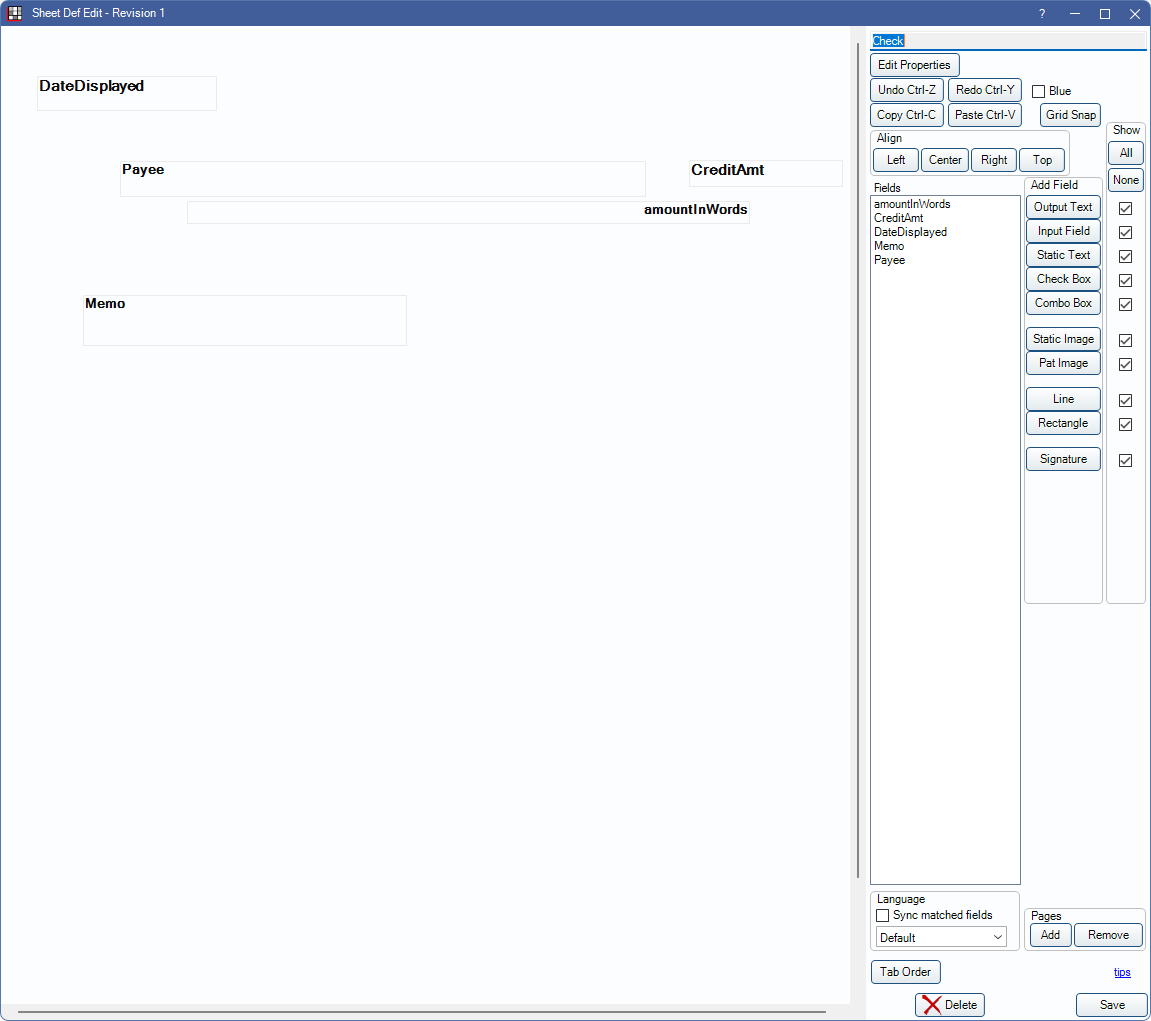
Alternatively, in Sheets:
- Click New and choose Check as the Sheet Type to create a new Check layout from blank.
- Select an existing Custom Check sheet and click Duplicate to create a copy of an existing check.
- Select the existing Internal Check sheet and click Copy to create a copy of a default check that can be edited.
To customize a Check sheet type, see Edit Sheet Def.
To print a check:
- Utilize the Open Dental Accounting feature.
- Use blank check paper and make edits to the sheet layout to ensure fields on the check line up with fields on the sheet.
- Print from asset Accounting Transactions.