

Help Feature
Starting with Version 24.4, the manual is not publicly accessible. Potential customers can use the Quick Manual. Full Help pages are only accessible via the Open Dental program to customers on support.
In Open Dental, at the top of any window, click the ? icon.

When clicked, the corresponding help page opens.
Help can also be accessed from Main Menu, Help:
- Online Help - Documentation: Opens the Documentation page.
- Online Help - Search: Opens the Help search
To access Help pages via a mobile device, the QR Code for Mobile Access to Help can be used from Help, Support Status.
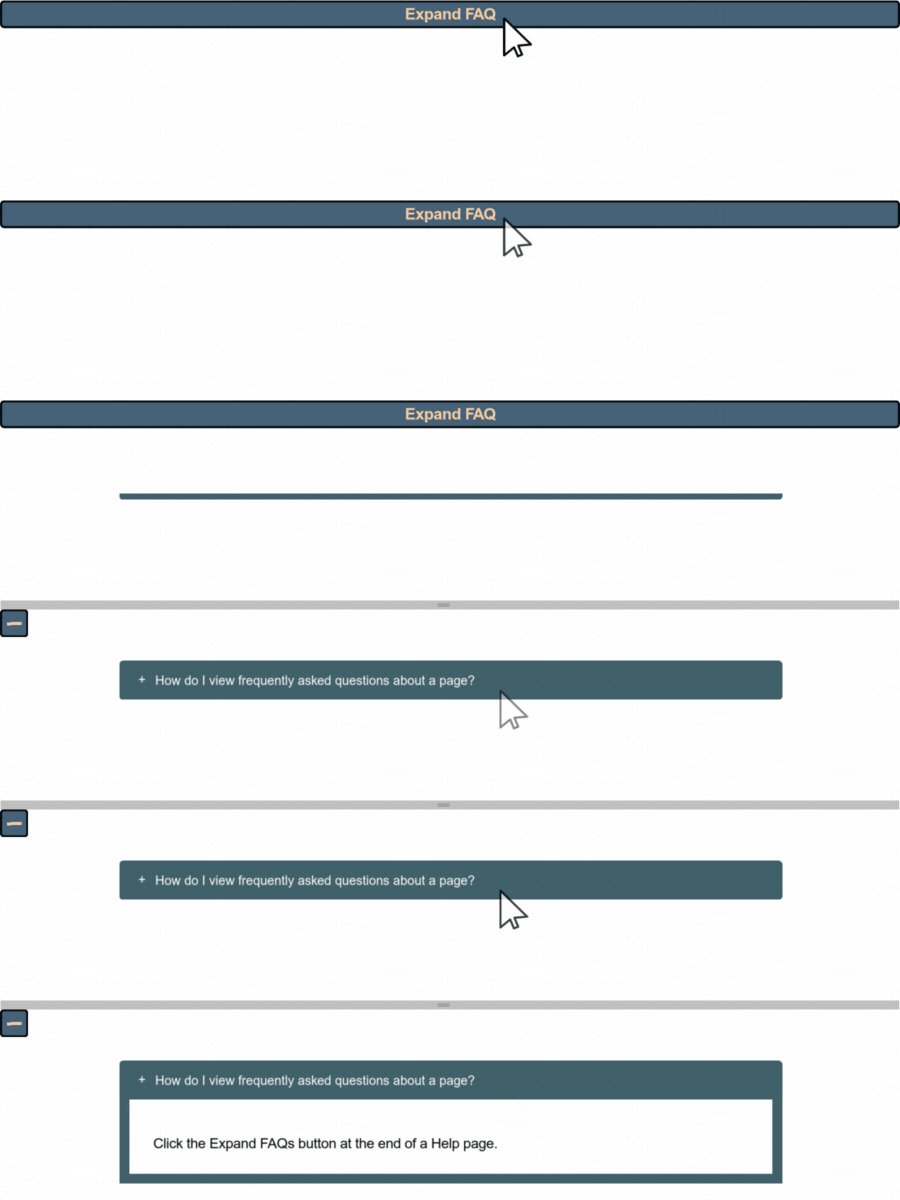
If a help page has FAQs included, they appear at the bottom of the page. Click a question to expand it.
Troubleshooting
If you are unable to access Help pages by using the Help feature, try the following steps:
- Restart your internet browser.
- Restart your computer.
- Clear the cookies/cache in your internet browser.
- Switch your default internet browser.