

DoseSpot eRx Preferred Pharmacies
For DoseSpot eRx users, set patient's preferred pharmacy to use when sending prescriptions.
In the DoseSpot, in the Patient Landing Page, on the left is the patient's default pharmacy.
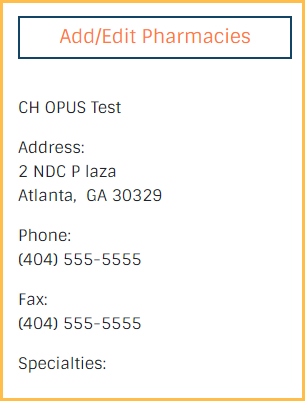
Click Manage Patient Pharmacies to add or edit preferred pharmacies.

The current default pharmacy is always displayed here.
Filters: Click the Sliders icon to filter which pharmacy types are included (e.g., EPCS, 24 Hour, etc.)
Search: Enter the name, address, or phone number of the pharmacy to find it. Suggested searches appear in the dropdown. Click a suggestion or press Enter to view search results.
Pharmacy List: Previously added pharmacies for the patient are listed here.
- Click Remove as Patient Preferred to delete this pharmacy from the patient's preferred pharmacies list.
Search Results: After selecting a search term, this area replaces the patient's preferred pharmacies list. Pharmacies matching the search term are shown here.
- Click Add as Patient Preferred to add a pharmacy to the patient's pharmacies.
- Click ← to exit the search results.
Update Default Pharmacies: Select a pharmacy and click to save the pharmacy as the patient default.