


PerioPal Bridge
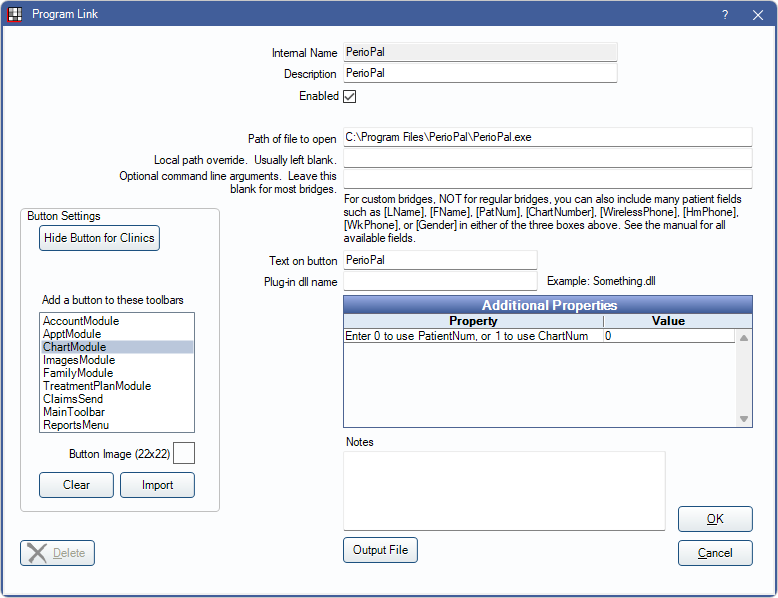
In the Main Menu, click Setup, Program Links. Double-click on PerioPal in the list.
PerioPal was voice activated software for periodontal examinations. The PerioPal website is no longer available.
To enable the bridge:
- Check the Enabled box.
- Verify the Path of file to open.
- Set up a clickable bridge button.
- Under Add a button to these toolbars, highlight where to display the button.
- Enter the Text on button.
- (Optional) Import an image to show on the button (22 x 22 pixels).
- If using clinics, click Hide Button for Clinics. Select which clinics the button should display on.
- Click Save.
Technical Details
The bridge uses a command line as follows:
[Application Path]/PerioPal "PtChart;PtName;PtBday;PtMedAlert;"
Where :
[Application Path ] Usually = C{\Program Files\PerioPal\
Pt Chart = AlphaNumeric Chart number from the Office Management System
PtName = Patients Last, First Middle Init
PtBday is the Patient Birthdate in any Microsoft Access compatible date format
Pt MedAlert is a Y or N .